
How to Keep Your WiFi Working During a Power Outage
A sudden power outage can put your browsing, business calls and binge-watching on hold. But here's the good news: just because the lights go out doesn't mean your internet has to go down with them.
With a little preparation and a practical backup plan, keeping your connection consistent during a blackout can be simpler than you might expect. Whether you're managing meetings, catching up on emails or keeping in contact with family and friends, knowing how to keep internet working during a power outage can spare you unnecessary stress and sudden disruptions.
In this RateWorld guide, we'll break down simple, smart solutions to help you stay connected when the power goes out.
Why Does Your WiFi Stop Working When the Power Goes Out?
Ever wondered why your Wi-Fi stops working when the power goes out? Your home internet setup depends on electricity to keep your modem and router running. Once the power cuts off, these devices typically shut down, bringing your browsing and online activities to a sudden stop.
But the problem isn't always limited to your home. A power outage can also disrupt your internet provider's nearby network equipment, meaning even a backup battery might not be enough to bring your connection back.
Knowing what causes the connection to cut out can help you pick a practical backup plan, prevent unnecessary purchases and prepare for future power failures.
Smart Solutions for Staying Connected Without Electricity
A blackout doesn't have to mean a complete break from browsing. Several simple solutions can help you maintain WiFi during a power outage, depending on your equipment.
Keep Your Connection Running With a Battery Backup
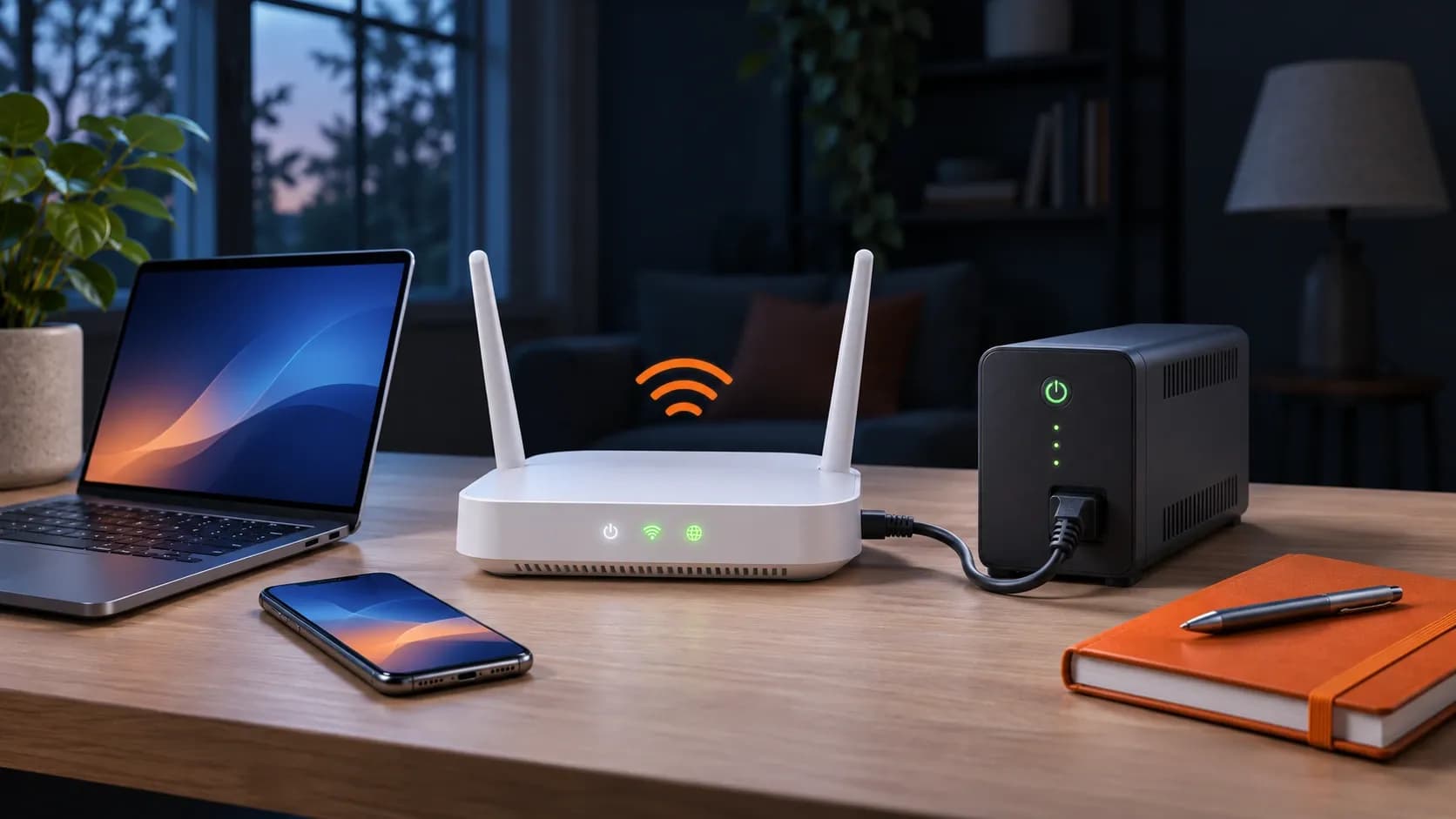
Keeping your internet during power outage situations starts with having a reliable backup power source. An uninterruptible power supply (UPS) provides temporary electricity when your main power supply fails, helping your modem and router stay powered during brief blackouts.
By connecting compatible networking equipment to a UPS, you can keep your home Wi-Fi working, provided your internet provider's network remains active.
Before choosing a battery backup, check your devices' power demands and the UPS's estimated runtime. While larger batteries may provide longer-lasting coverage, actual performance depends on how much power your connected equipment consumes.
Switch to a Smartphone Hotspot
When your home Wi-Fi goes down, your smartphone can step in as a handy hotspot to help you stay connected. As long as your cellular network is working, simply switch on your phone's personal hotspot feature and connect your laptop, tablet or other compatible devices.
Before switching to mobile data, keep these practical pointers in mind:
- Mobile Data: Monitor your hotspot allowance to prevent surprise charges or slower speeds.
- Signal Strength: Find a spot with strong cellular coverage for a steadier, more stable connection.
- Battery Life: Reduce screen brightness and restrict background apps to preserve precious battery power.
If power interruptions are a persistent problem, a dedicated mobile hotspot could provide another practical backup. You can also browse internet and mobile bundles on RateWorld to compare connectivity options and find a plan that fits your household's needs.
Prepare Portable Power for Essential Devices
When dealing with an internet and power outage, a fully charged power bank can be a practical way to keep your phone powered and your mobile connection running, even when electrical outlets are out of action.
Certain portable power banks can also support compatible routers through USB or other suitable connections, though some setups may need additional adapters or accessories.
Before picking a portable power source, check your equipment's power requirements. Matching the right specifications helps prevent potential damage while providing a safe, steady supply of temporary power.
How to Check Whether the Problem Is Power or Your Internet Provider
Wondering how to keep your WiFi when power is out? First, it's worth finding out what's causing the connection to cut off. While some service disruptions spread across entire neighborhoods, others stem from faulty routers, modem malfunctions or problems with your connected devices.
Before replacing your router or reaching out for technical support, try these simple troubleshooting steps to spot the source of the problem:
- Check Nearby Power: Confirm whether the power problem is limited to your property or extends to nearby neighbors.
- Inspect Your Equipment: Examine your modem and router's indicator lights to check whether they're powered on and performing properly.
- Review Provider Updates: Browse your internet provider's website or app using mobile data to find service status updates and scheduled maintenance notices.
- Test Another Device: Try connecting a second smartphone or laptop to see whether the problem is limited to one device.
- Contact Customer Support: Check whether the service disruption is widespread and ask about possible restoration times.
If your modem and router are powered but your internet still isn't working, the issue may be with your provider's network rather than your home equipment. Identifying the cause early can save you time, trouble and unnecessary troubleshooting.
Can Fiber, Cable or 5G Internet Work During a Blackout?
Different internet technologies depend on different equipment. Understanding these differences can help you prepare for potential disruptions.
- Fiber Internet: May maintain a steady connection with backup power, provided the provider's network stays operational.
- Cable Internet: Depends on powered modems, routers and reliable provider infrastructure to remain connected.
- 5G Home Internet: May keep your connection running with backup power, as long as nearby cellular towers continue operating.
- Satellite Internet: Needs a steady power supply for the satellite terminal and router, even when the satellite network remains active.
No internet connection is completely immune to interruptions during a blackout. Network damage, neighborhood conditions and available backup power can all play a part in keeping your connection consistent. Knowing these limitations can help you plan ahead, pick practical backup solutions and prepare for potential power problems.
For a closer comparison, explore our guide to 5G home internet vs. cable and fiber to understand how different technologies fit your household's needs.
Find a Home Internet Plan That Fits Your Needs With RateWorld
Staying connected starts with selecting an internet plan that matches your household's habits, budget and browsing needs. Whether you prefer fast fiber speeds, flexible 5G service or cost-conscious cable plans, comparing providers can help you pick the right fit.
While no internet plan can prevent an internet power outage, understanding your options can help you prepare for disruptions and explore ways to maintain WiFi without electricity using compatible backup equipment.
With RateWorld, you can compare home internet plans available at your address, browse available bundles and break down speeds, all in one place.
Simply enter your ZIP code, compare your choices and find an internet plan that keeps up with your daily demands.
Frequently Asked Questions (FAQs)
Can you have internet without electricity?
Yes, staying connected without electricity is possible with a mobile hotspot or battery-powered modem and router. However, a steady connection still depends on sufficient backup battery life, strong cellular signals and functioning provider networks.
Will a UPS keep my WiFi working during a power outage?
Yes, a UPS can keep compatible modems and routers running during brief blackouts by providing backup battery power. However, if your internet provider's network is also down, a UPS won't be able to restore your connection.
Can I use my phone as a hotspot when the power is out?
Yes. If your mobile network remains operational and your plan supports hotspot sharing, you can connect compatible devices through your smartphone's cellular connection.
Does fiber internet work during a power outage?
Yes, fiber internet may continue working during a power outage if your modem, router and other required equipment have reliable backup power. However, maintaining a smooth, stable connection also depends on your provider's network and nearby infrastructure functioning properly.
What is the best backup internet connection for home use?
The best backup connection depends on your budget, coverage and connectivity needs. Mobile hotspots are convenient for occasional interruptions, while a separate 5G home internet connection may suit households seeking an additional service.
